This is the colourful banner section
This is a highlighted banner, it has a green background using the Custom css class "greenBG". Not using a section header.
This is a highlighted banner, it has a orange background using the Custom css class "orangeBG". Not using a section header.
This is a highlighted banner, it has a teal background using the Custom css class "tealBG". Not using a section header.
This is a highlighted banner, it has a blue background using the Custom css class "blueBG". Not using a section header.
This is a highlighted banner, it has a grey background using the Custom css class "greyBG". Not using a section header.
This is the "pullquote" section
This is the pullquote layout. This is what a pullquote will look like. This is the pullquote layout. This is what a pullquote will look like. This is the pullquote layout. This is what a pullquote will look like.
This is the large hero slide. To create this you need to use "heroSlide reveal-wipe" This background is defined in the settings section of this block.
The text in these hero slides must be set to Heading 2 in order for it to display properly.
You can make the background colour whatever you like, to create a nice contrast.
This is the media split section
You can have a short heading.
This is the media split layout. We use the custom css class "media-split--quarter" to split the content up with the figure image taking up one third of the layout space, and the copy taking up the rest.
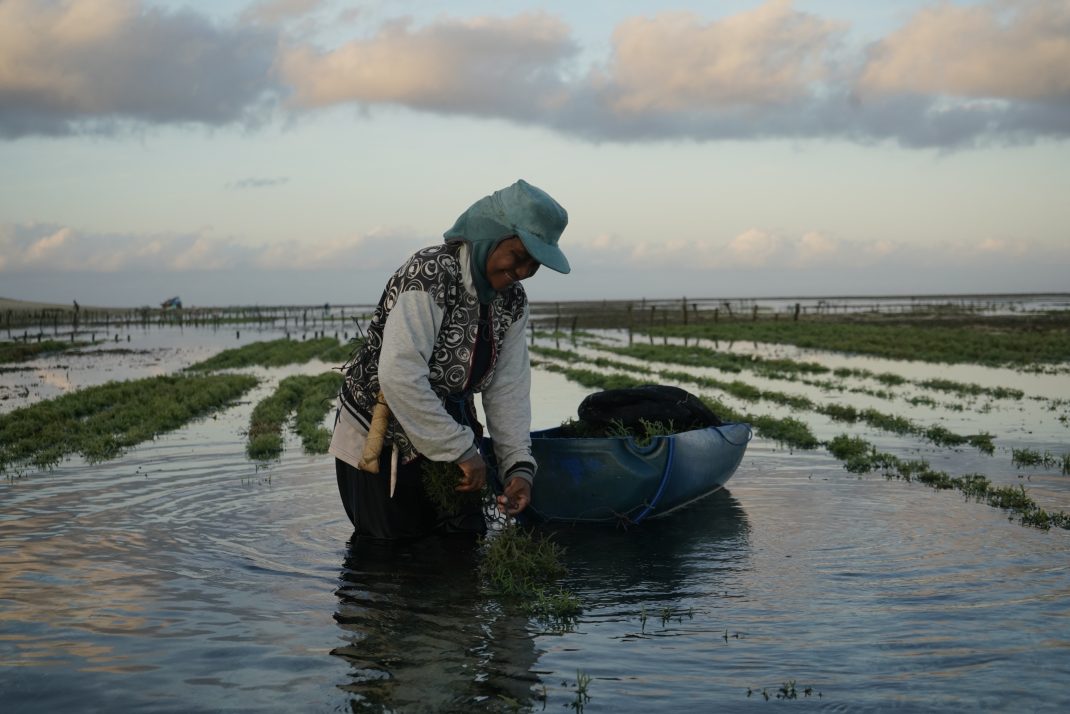
You can have a short heading.
This is the media split layout. We use the custom css class "media-split--1third" to split the content up with the figure image taking up one third of the layout space, and the copy taking up the rest.
You can have a short heading.
This is the media split layout. We use the custom css class "media-split--half" to split the content up with the figure image taking up one third of the layout space, and the copy taking up the rest.
This is the buttons section
This is the cards section
Four Cards - 1x1 ratio

This is a card
This is a card
This is a card
This is a card
Three Cards - 4x3 ratio
This is a card
This is a card
This is a card
Two Cards - 16x9 ratio
This is a card
This is a card
This is an image figure
A single image figure will try to take up 100% of the width of the container.
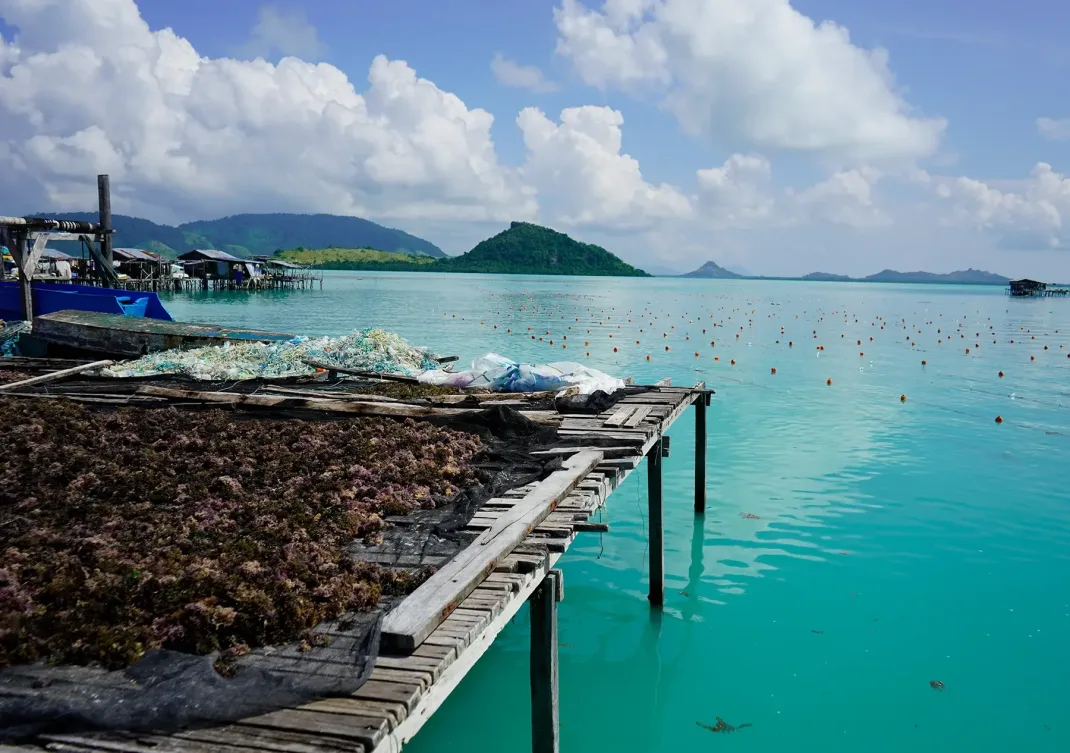
Remember, you can increase the padding around each element in the settings.
This is an image gallery
Slider Gallery
The slider gallery option. As many images as you like and captions will display too.
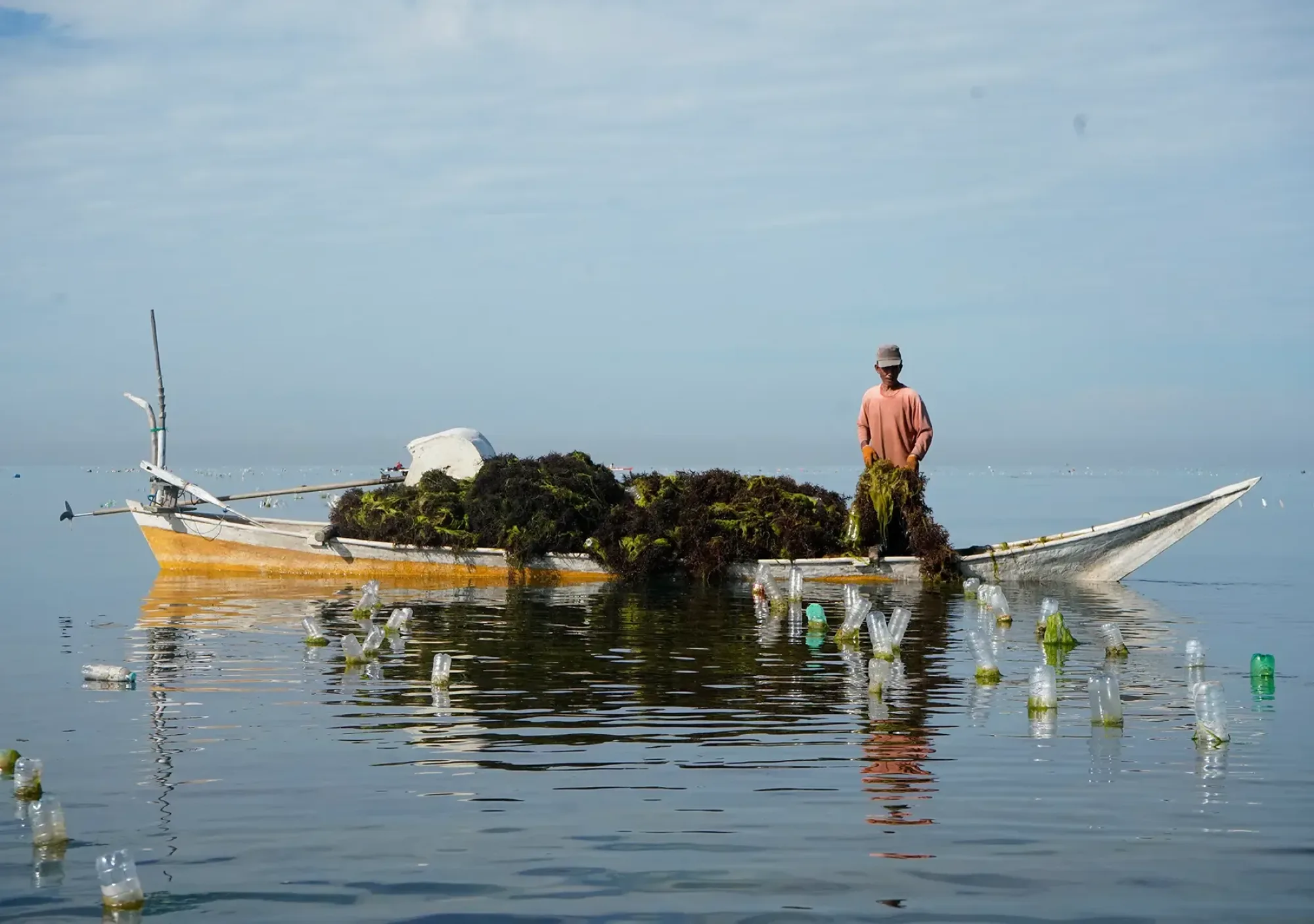
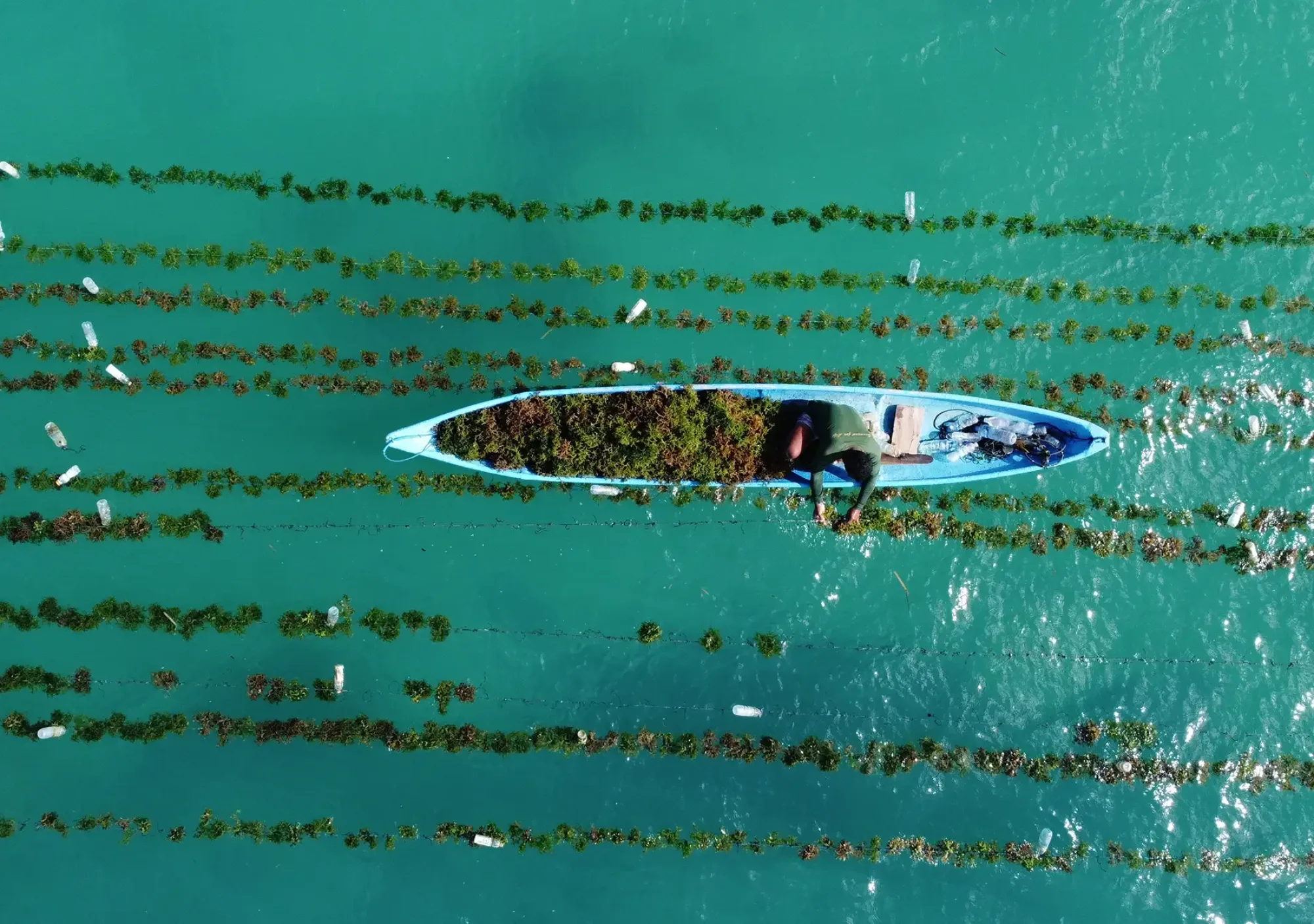
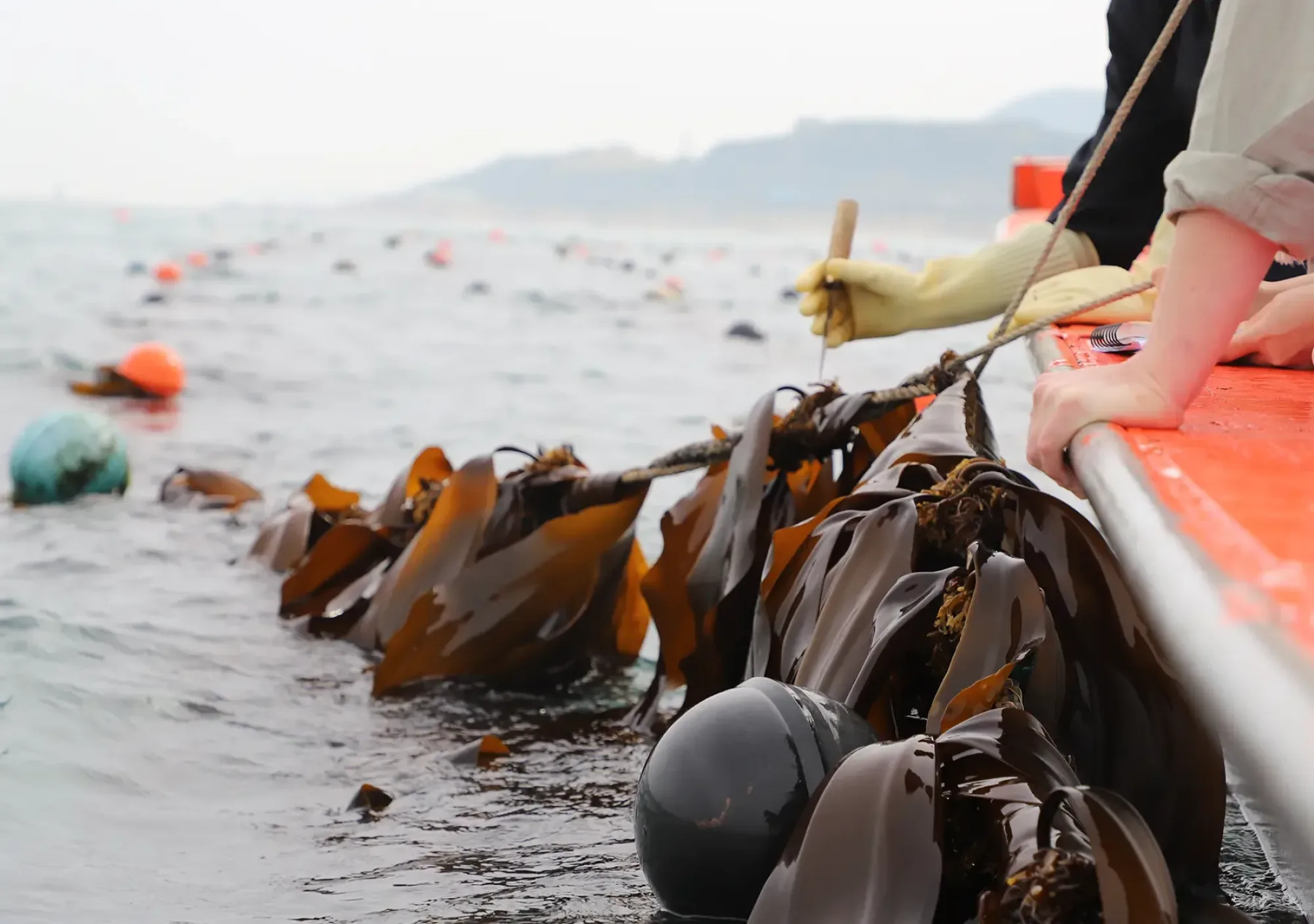
Gallery Wall 1
Four images displayed as a gallery wall square. No Captions. You can add a background colour and extra spacing to make the design unique.
Gallery Wall 2
Three images displayed as a gallery wall. No Captions. You can add a background colour and extra spacing to make the design unique.
Gallery Wall 3
Three images displayed as a gallery wall. No Captions. You can add a background colour and extra spacing to make the design unique.
This is an Embed Blocks
Use the customCssClass "embed__sm" or "embed__lg" to size the embed container according to size of the embedded content. It defaults to the medium size. Use "embed__vid" for embedded videos like youtube.